
FINAL FANTASY RESONANCE PC system requirements
Windows 11, 15 GB, Denuvo, and a Steam Deck Verified badge.
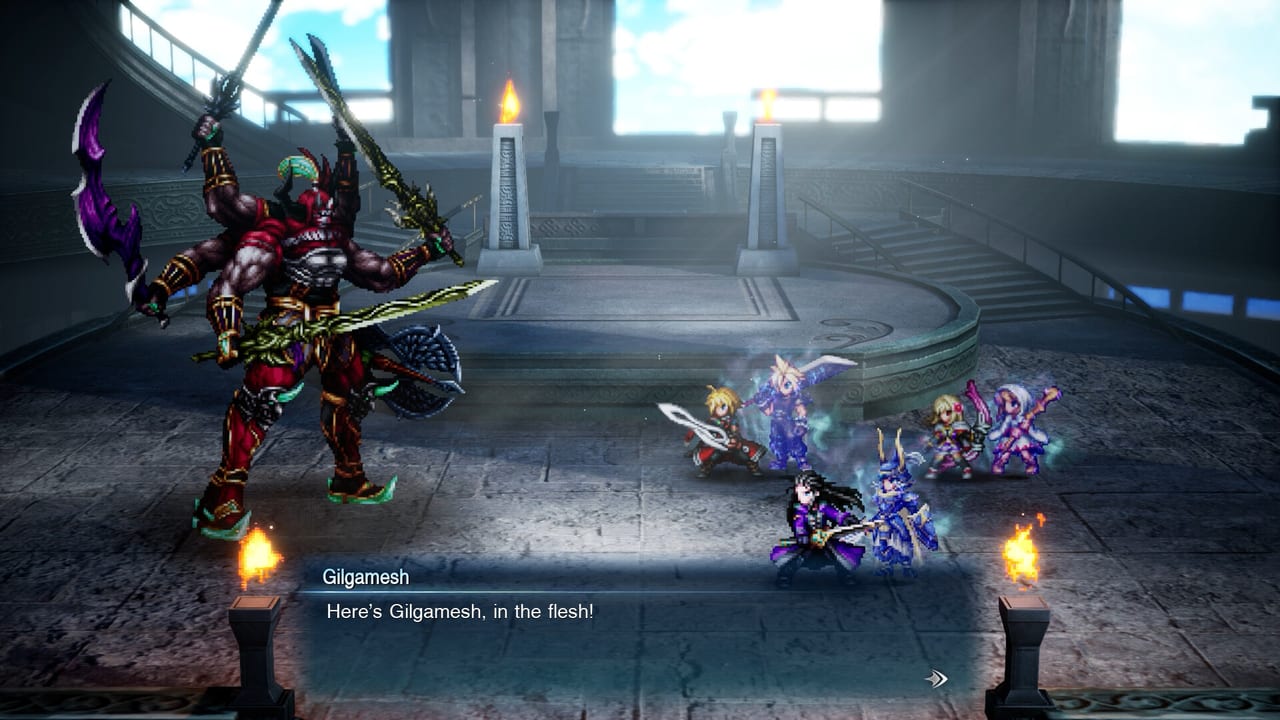
These numbers come from the Steam store page for FINAL FANTASY RESONANCE. The game launches October 22, 2026 worldwide (Japanese Steam storefronts list October 23 because of timezone). Square Enix has not published a second, quieter spec sheet. If a retailer card disagrees with the table below, the Steam columns win.
The build is a single-player HD-2D RPG from Square Enix and Lancarse. It is not a ray-traced open world. The chart is light on purpose. The two gates that still catch people are Windows 11 and Denuvo, not the GPU line.
Official minimum and recommended
| Minimum | Recommended | |
|---|---|---|
| OS | Windows 11 64-bit | Windows 11 64-bit |
| CPU | AMD Ryzen 3 2300X / Intel Core i3-8100 | AMD Ryzen 5 2500X / Intel Core i3-8100 |
| RAM | 8 GB | 8 GB |
| GPU | AMD Radeon RX 6400 / Intel Arc A580 / NVIDIA GeForce GTX 1650 | AMD Radeon RX 5500 XT / Intel Arc A580 / NVIDIA GeForce GTX 1650 |
| DirectX | 12 | 12 |
| Storage | 15 GB available | 15 GB available |
| Target | 1920×1080 @ 30 FPS, Low | 1920×1080 @ 60 FPS, Highest |
Read the quirks before you buy a card.
- The same Core i3-8100 sits in both CPU columns. Only the AMD side steps up, from Ryzen 3 2300X to Ryzen 5 2500X.
- The same Arc A580 and GTX 1650 sit in both GPU columns. Recommended adds the RX 5500 XT on the AMD side. In practice, a 1650-class GPU is the whole conversation.
- RAM does not move. 8 GB is the listed floor and the listed ceiling.
- Storage does not move. 15 GB is the only PC size Square Enix has printed.
- OS does not move. Windows 11 is required. Windows 10 is not on the page.
If you already run Octopath or Triangle Strategy at 1080p, you are in the right neighborhood. If you are still on Windows 10 because a work laptop forbids the upgrade, this SKU will not meet you halfway. Plan the OS before October 22, 2026.
What 1080p30 Low versus 1080p60 Highest means
Minimum is a playable timeline at thirty frames with the Low preset. Recommended is the Highest preset at sixty frames, still at 1080p. Square Enix has not posted 1440p or 4K rows. Do not invent them. HD-2D games usually scale with resolution more than with shadow maps; if you want 4K, test the demo on your machine instead of trusting a YouTuber’s overlay.
The combat system is a visible turn order with stagger gauges. You need to read that UI. Thirty frames on Low is enough to finish Chapter 1. Sixty frames on Highest is enough to see Extra Phase without smear. Neither target is a 240 Hz flex. If your monitor is 4K and your GPU is a 1650, drop resolution before you drop the preset; the pixel art is the point.
Keyboard-only play is listed. Full controller support is listed. If you are learning the controls on a laptop with no stick, the spec sheet already says that is a supported path.
Denuvo Anti-tamper
Steam’s feature list includes Denuvo Anti-tamper as third-party DRM. That is a purchase decision, not a performance footnote we can measure from a press kit. Some HD-2D PC ports have shipped with Denuvo and some have not. This one discloses it on the box. If that is a deal-breaker, stop here and look at a console SKU instead of hoping a launch-day patch removes it. This page will not promise a removal date Square Enix has not announced.
The Microsoft Store Windows SKU is a separate storefront for the same October 22, 2026 launch. Treat its DRM and size as “not fully mirrored on Steam’s public card” unless Microsoft prints the same 15 GB and Denuvo lines. When in doubt, the Steam table is the one we can cite.
Steam Deck Verified
Valve has marked FINAL FANTASY RESONANCE Steam Deck Verified. The Verified notes that have been reported: default controller and graphics should behave, controller icons match, in-game text is legible, first-time setup needs an internet connection, and you may have to switch to an external controller in the Quick Access Menu. The game is also listed as Steam Machine Verified / SteamOS compatible in Deck HQ’s write-up.
Verified is not a magic 60 FPS lock. HD-2D titles in this family often sit in a 30–40 FPS handheld band depending on effects. Use the in-game presets, not a copied Octopath profile, until players post Deck frames after launch. The demo is the right test today: Chapter 1, save transfer, same combat timeline you will need to read on a 7-inch panel.
Docked Deck play is still a 1650-class problem. If you dock to a 1080p TV and set Highest, you are asking for the recommended row, not the handheld row.
Steam features that are not spec, but matter
Copied from the store page so you do not have to hunt:
- Steam Cloud
- Achievements
- Steam Trading Cards
- Family Sharing
- Full controller support
- Xbox controllers
- DualSense controllers (USB only)
- Steam Input API
- Keyboard-only support
USB-only DualSense means a cable. Do not assume Bluetooth gyro or speaker tricks are supported because another Square Enix PC port did them. Steam Input is the layer to use if your pad is neither Xbox nor a wired DualSense.
Family Sharing matters if two people on one household Steam library both want the October 22, 2026 launch. Denuvo titles sometimes limit concurrent sharing; test with the demo’s ownership rules if you share, and do not assume two simultaneous sessions.
Cloud saves are why the demo transfer is worth doing on the same Steam account you will launch. Keep the account consistent. Platform-to-platform transfer (Steam to Switch, Steam to PS5) is not in any official FAQ we have.
Storage, preload, and other sizes
PC: 15 GB. That is the number. Preload timing has not been posted on Steam as of this writing. Console estimates on Nintendo’s listing have cited about 8.8 GB for Switch and 12.7 GB for Switch 2. Those are not PC numbers. Do not free 8.8 GB on a Windows drive and call it done.
SSD versus HDD is not on the Steam card. A 15 GB HD-2D install will run from a spinning disk; it will run nicer from an SSD. If you have the choice, put it on SSD so Sanctum loads and airship hops do not hitch. That is advice, not a requirement row.
How this page fits the rest of the wiki
If the machine clears the table, go back to getting started and the demo. If you are choosing Standard versus Deluxe, use editions. If you are choosing a storefront, use links. Combat, Visions, and jobs do not change because you have 16 GB of RAM instead of 8.
Laptops with an i3-8100-class CPU and a 1650-class GPU should look at thermals, not at a new desktop. The recommended row is 1080p60 Highest, not 4K60. Undervolt and a cooling pad will do more than a YouTube overlay.
If your Deck is Verified-ready and your desktop still runs Windows 10, the bottleneck is the operating system, not the GPU. Plan that upgrade before October 22, 2026, then spend the GPU money on a game that actually lists a 4070.
Frequently Asked Questions
Quick answers drawn from Square Enix briefings and the Chapter 1 demo.
Can I run FINAL FANTASY RESONANCE on Windows 10?
Steam lists Windows 11 only, for both minimum and recommended. There is no Windows 10 row. Upgrade the OS or play on another platform when the game launches October 22, 2026.
How big is the download?
Steam asks for 15 GB available space. Nintendo’s estimates (about 8.8 GB Switch, 12.7 GB Switch 2) are console figures. Do not mix them.
Does it use Denuvo?
Yes. The Steam page discloses Denuvo Anti-tamper. Square Enix has not announced a removal date.
Is Steam Deck Verified?
Yes. Valve’s badge is Verified. First-time setup still wants internet, and you may need to pick an external controller in the Quick Access Menu. Test with the demo.
Will a GTX 1650 hit recommended settings?
Steam puts the GTX 1650 in both GPU columns. Recommended is 1080p60 Highest. That is Square Enix’s claim, not a third-party bench. The demo is the proof on your machine.
Is DualSense supported wirelessly?
Steam lists DualSense controllers as USB only. Use a cable, or use Steam Input with another pad. See also controls.